GIS.lab Logo
latest
  • Let’s get started
  • Learning about the pieces
  • GIS.lab installation
    • 1. How to start
    • 2. Virtual Mode
    • 3. Physical Mode
    • 4. Customization
  • GIS.lab administration
  • Client Desktop layout
  • GIS project publication
  • GIS.lab in practice
  • Useful terms
  • Useful commands
  • Conventions used in this documentation
  • Communication channels
  • Credits
GIS.lab
  • GIS.lab installation
  • Edit on GitHub

GIS.lab installation

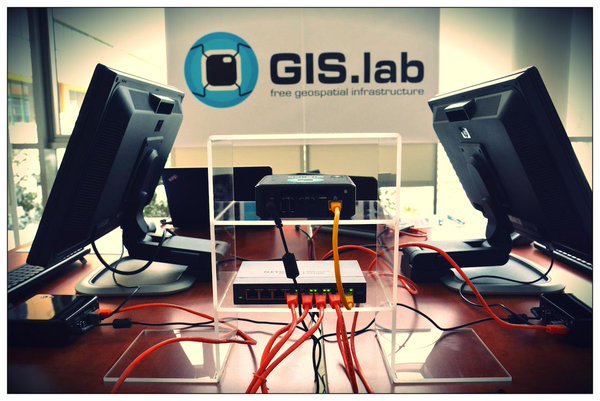
../_images/gislab-real.jpg

Fig. 10 GIS.lab in action.

GIS.lab version 0.8 runs on top of customized Ubuntu 18.04 Bionic release.
  • 1. How to start
    • 1.1. Installation of requirements
    • 1.2. Configuration
  • 2. Virtual Mode
    • 2.1. Master
    • 2.2. Client
    • 2.3. How to upgrade GIS.lab?
  • 3. Physical Mode
    • 3.1. Master
    • 3.2. Client
    • 3.3. How to upgrade GIS.lab Desktop?
  • 4. Customization
    • 4.1. Server customization
    • 4.2. User accounts customization
    • 4.3. Client customization
    • 4.4. Boot loader
Previous Next

© Copyright 2016-2024, GIS.lab team. Revision 4651285e.

Built with Sphinx using a theme provided by Read the Docs.